What this video establishes
- Start with a full historical record rather than the biggest leaderboard number.
- Choose your size from your loss boundary—not from the source trader's contract count.
- Understand the trade-off between manual approval delay and automatic execution.
- Verify what reaches your broker, then change only one variable at a time.
1. Select the trader, not the headline
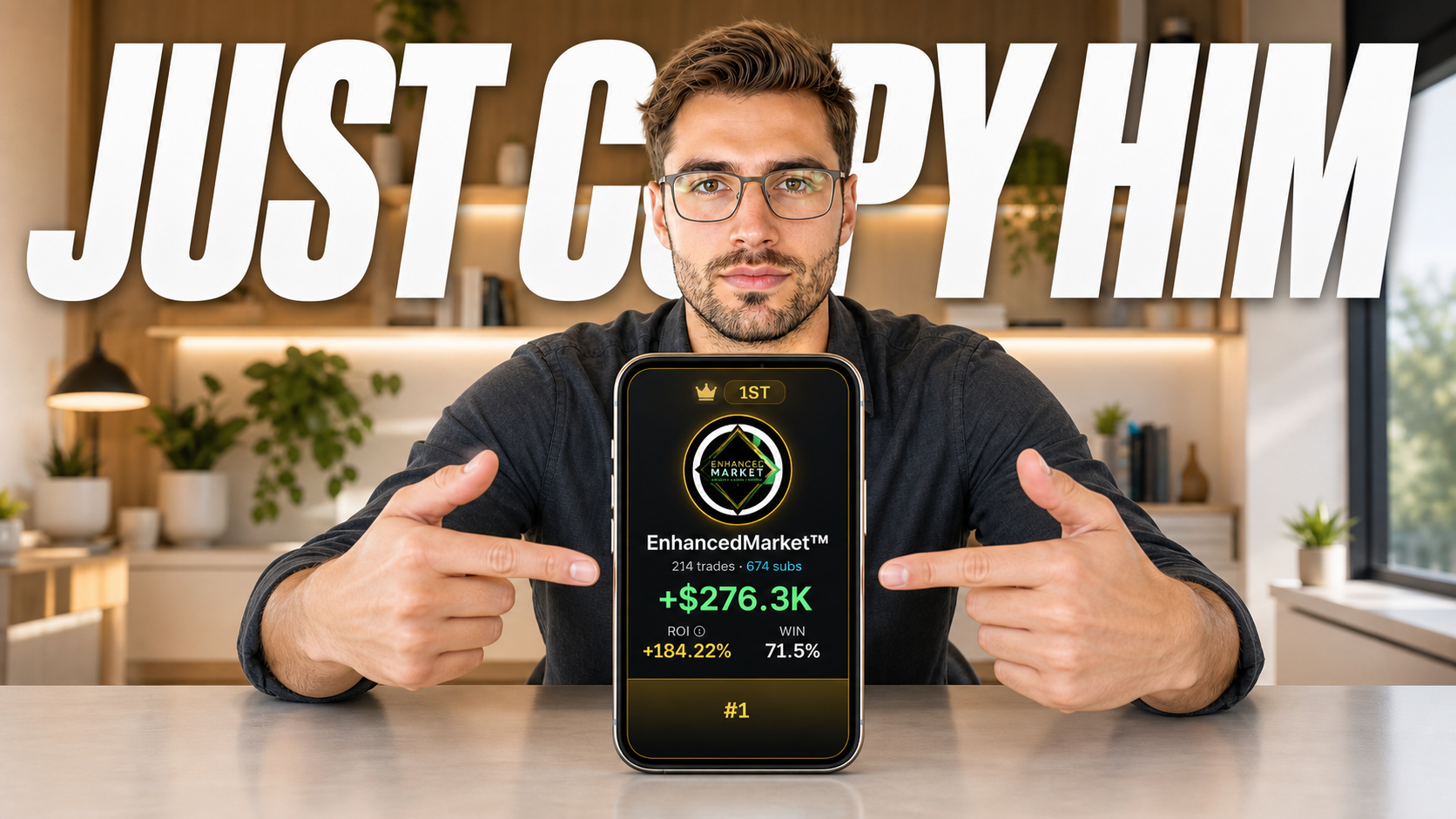
Open the full profile and inspect wins, losses, position count, size, symbols, strategy, and the period covered. The goal is not to find a trader who never loses; it is to understand the movement you would be accepting and whether it can be reduced to a size your account can handle.
2. Work backward from your risk boundary
The source trader's normal size may be completely inappropriate for you. Set a maximum position, loss, and total exposure first. Then use the available sizing method to keep ordinary source activity inside those limits.
A percentage is not automatically conservative. A fixed amount is not automatically better. The useful setting is the one whose outcome you can explain in plain language before a live order arrives.
3. Understand execution and control
Manual approval lets you inspect an order but introduces delay. Automatic execution removes that delay but raises the cost of poorly chosen rules. Neither approach corrects a bad trader fit or an oversized position.
Confirm what pause controls affect, what happens to open positions, what still requires action at the broker, and how you would revoke the connection.
4. Prove the behavior before scaling
For the first copied activity, record the source contract, source entry, expected size, copied entry, actual size, and exit. The goal is to understand the system's behavior in your account, not to judge the entire strategy from one winner or loser.
When the process behaves as expected, change one variable at a time. Increasing size and adding a second trader simultaneously makes it harder to diagnose new risk.
Video chapters
- 00:00Why the setup looks harder than it is
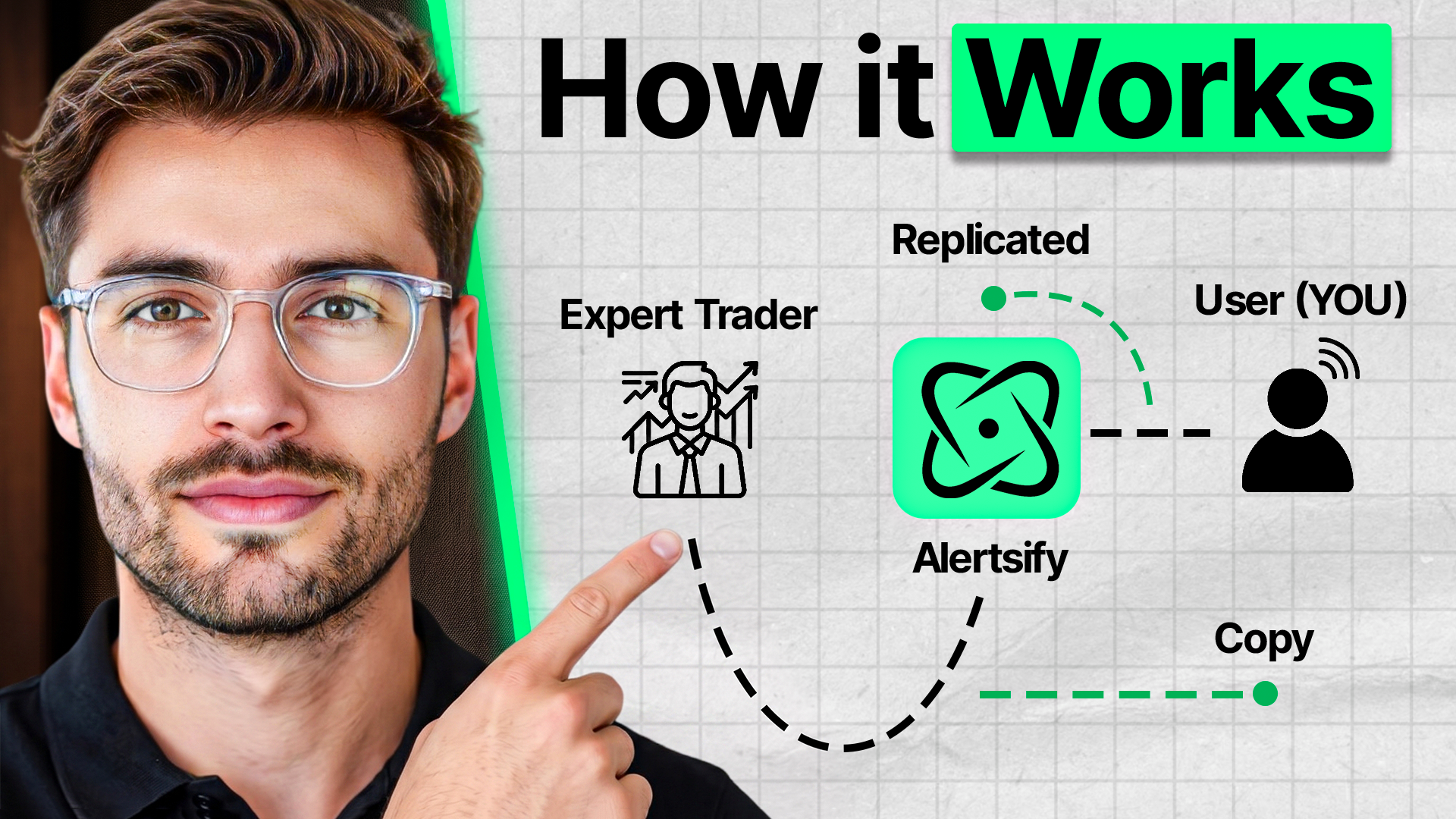
- 00:52What copy trading software actually does
- 02:04How to inspect a trader's history
- 04:17The position-sizing mistake
- 05:50Source trade to your broker
- 07:26Automatic versus manual execution
- 08:39Limits, pause controls, and broker connection
- 09:48How to verify and scale
Frequently asked questions
Can copy trading make money?
It can produce gains or losses. The result depends on the source trader, market conditions, position sizing, execution, fees, slippage, and the user's own controls. No software can guarantee profit.
How much money should I start copy trading with?
There is no universal amount. Start from what you can afford to lose and whether the smallest practical copied position fits your account without creating unacceptable concentration.
Should I use percentage or fixed sizing?
Either can be appropriate. Percentage sizing mirrors source exposure more closely; a fixed cap can be easier to reason about during an initial test. Translate either setting into actual account exposure before enabling it.
Should I copy more than one trader?
Only after evaluating overlap. Two traders can create the same exposure if they use similar strategies, symbols, or timing. More names do not automatically create diversification.
Primary sources and disclosure
This page summarizes Modern Markets' independent video analysis. Product mechanics and risk language are checked against Alertsify's current public documentation. Product features and pricing can change.