What this video establishes
- The workflow is source trader → your configuration → your broker.
- Trader evaluation should include losses, trade count, size, strategy, and consistency—not only total profit.
- Position sizing must be translated into an amount your account can actually handle.
- Manual approval adds delay; automatic execution increases the importance of correct rules and monitoring.
Step 1: Inspect the trader
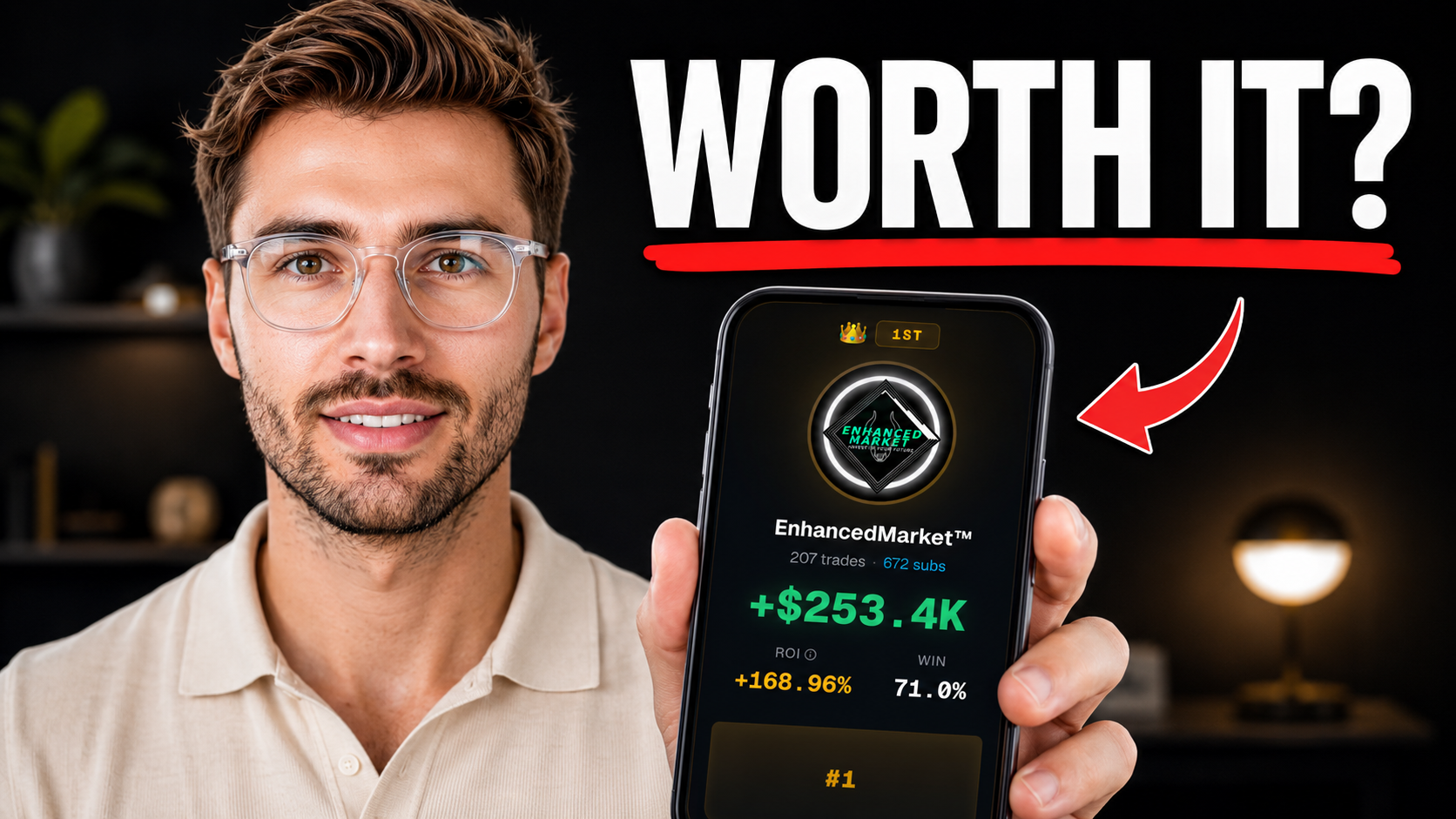
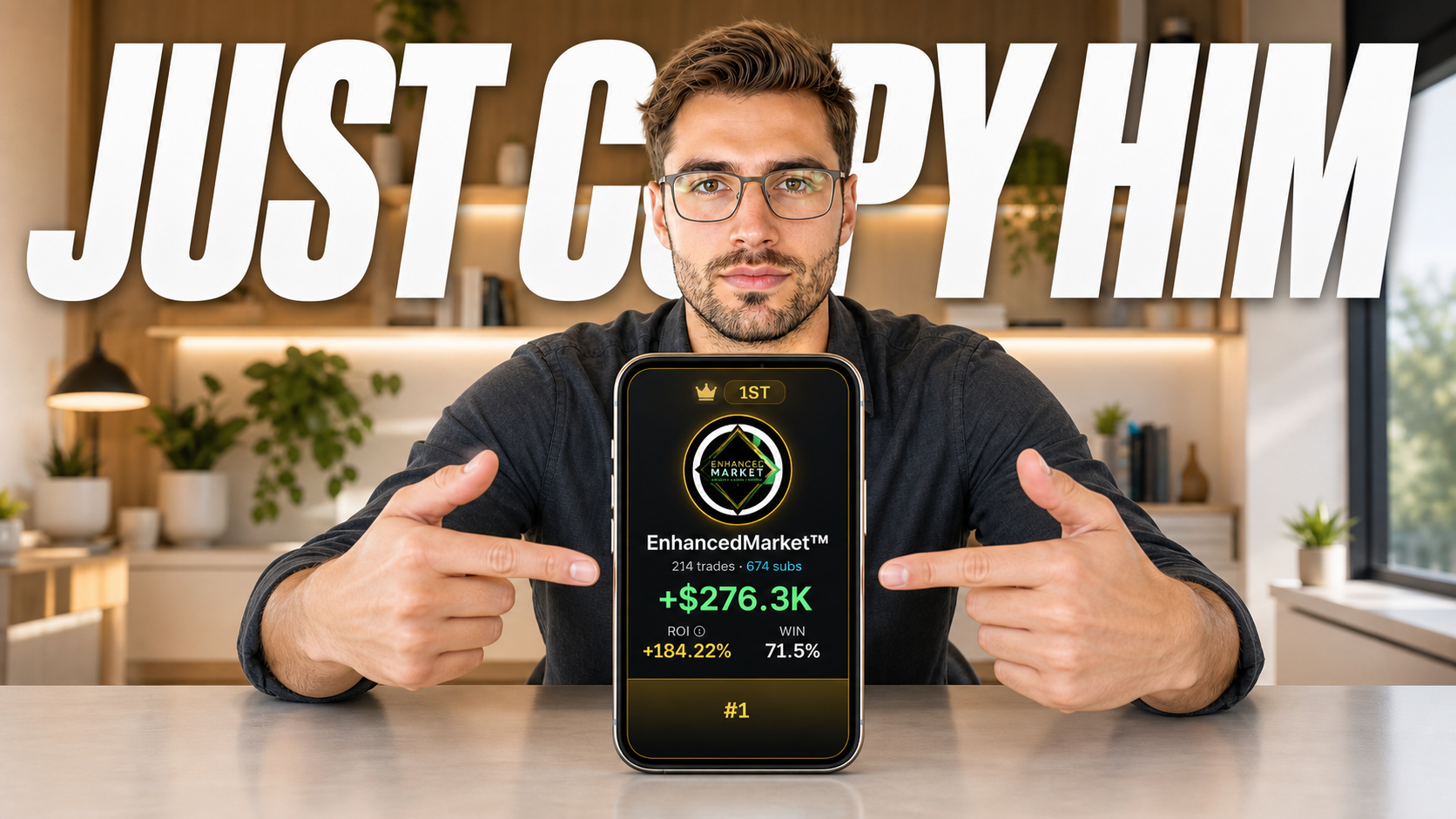
The public record is the starting point, not the decision. Open the profile and look past the headline return. A useful review includes the number of positions, wins and losses, contract size, strategy, holding behavior, and whether the record covers enough market conditions to be informative.
Alertsify says its displayed performance is based on connected brokerage data rather than uploaded screenshots. That improves the quality of the evidence, but it cannot tell you whether the trader fits your account or risk tolerance.
Step 2: Define your size and execution rules
Position sizing determines what a source trade becomes in your account. Percentage-based and fixed-amount approaches solve different problems, but neither is safe by default. Work backward from the largest loss or exposure you are prepared to accept.
Execution settings determine whether an order is transmitted automatically or waits for approval. Manual approval creates a timing gap. Automatic execution removes that human delay but can act before you reconsider a bad rule.
Step 3: Connect, verify, and monitor
Alertsify connects to a supported broker; it does not take custody of your money. Before enabling automation, confirm the connection permissions, the pause controls, what happens to open positions, and where the final trade appears.
Start with a deliberately small test. Compare the source activity with what reaches your account, document fill differences, and make one change at a time.
Video chapters
- 00:00Why chasing winners without a plan fails
- 00:51How Alertsify connects trader activity and your broker
- 01:17How to evaluate traders beyond return
- 02:22Capital allocation and overlap
- 03:39Position sizing for your account
- 04:48Risk limits before money moves
- 05:40How to test the workflow
- 06:10Your strategy, your responsibility
Frequently asked questions
How does Alertsify copy a trade?
When a selected source trader produces on-platform activity, Alertsify mechanically applies the user's configured rules and transmits the resulting instructions to the connected broker.
Does Alertsify hold my money?
No. Alertsify states that funds and securities remain at the user's chosen broker, where trades are executed.
Can I choose the position size?
Alertsify documents position-sizing controls, including fixed and percentage-based approaches. Available controls can depend on the current product and subscription tier.
Can I stop the automation?
Alertsify's current terms describe per-trader and global pause or disable controls. Users should verify the exact behavior for new and open positions in the current interface.
Primary sources and disclosure
This page summarizes Modern Markets' independent video analysis. Product mechanics and risk language are checked against Alertsify's current public documentation. Product features and pricing can change.